EmpireThinkers
Mastering CapCut Tutorials™ — Video & Podcast Edition
Mastering CapCut Tutorials™ — Video & Podcast Edition
Couldn't load pickup availability
From Beginner to Confident Creator — Learn to Edit Like a Pro in Hours, Not Months
🚀 Transform Your Videos Into Professional Creations
You’ve seen those scroll-stopping videos on TikTok, Instagram, or YouTube — smooth transitions, engaging text, perfect timing.
Here’s the truth: you don’t need expensive gear or years of experience to make videos like that.
You just need to know how to use CapCut properly.
With the Mastering CapCut Tutorials™, you’ll go from confused beginner to confident editor — creating high-quality videos and podcasts that look and sound professional in just a few lessons.
💡 Your creativity deserves better tools — and the skills to use them.
🎧 Why CapCut Is the Ultimate Creator’s Tool
CapCut is the secret weapon of thousands of successful content creators.
It’s fast, free, and packed with professional-grade editing features — but only if you know where to look.
This tutorial bundle shows you exactly how to unlock CapCut’s hidden power and turn your raw clips into polished, viral-ready videos that capture attention instantly.
😫 From Frustration to Mastery
Let’s be honest — most people open CapCut, get overwhelmed by buttons, layers, and effects, then give up after a few basic cuts.
Random YouTube tutorials?
They’re often rushed, outdated, or skip the details that matter most.
That’s why we built this step-by-step course:
✅ No fluff.
✅ No jargon.
✅ No “where did that button go?” moments.
Just clear, easy-to-follow lessons that take you from zero to pro — even if you’ve never edited before.
🎬 What Makes These Tutorials Different
The Mastering CapCut Tutorials™ are designed for results — not theory.
Every module builds progressively, helping you understand why each step matters and how to use it creatively.
Each tutorial features:
-
🎞️ Real editing demonstrations using viral video examples
-
🗂️ Progressive skill building — start simple, master advanced effects
-
🧠 Action-based learning — follow along and apply as you learn
-
🔁 Practical exercises to help you retain skills fast
💪 By the end, you’ll have complete editing confidence — and a portfolio to prove it.
⚡ Real Results, Fast Learning
Imagine posting your next video —
and your friends or followers asking:
“Did you hire a professional editor for this?”
That’s how powerful these tutorials are.
You’ll learn exactly how to:
-
Create cinematic transitions
-
Add dynamic captions and animations
-
Sync music perfectly with cuts
-
Color grade your clips for a pro finish
-
Add sound effects, overlays, and voice-overs like a studio editor
-
Optimize for different platforms — TikTok, YouTube, Instagram Reels, and Podcasts
🎯 Your creativity, elevated — without the technical stress.
🧠 For Creators at Any Level
Whether you’re:
-
A beginner looking to make better social media content
-
A business owner creating branded marketing videos
-
A podcaster improving your storytelling and visuals
-
Or a freelancer ready to offer video editing services
The Mastering CapCut Tutorials™ give you everything you need to create high-quality, attention-grabbing videos — quickly and confidently.
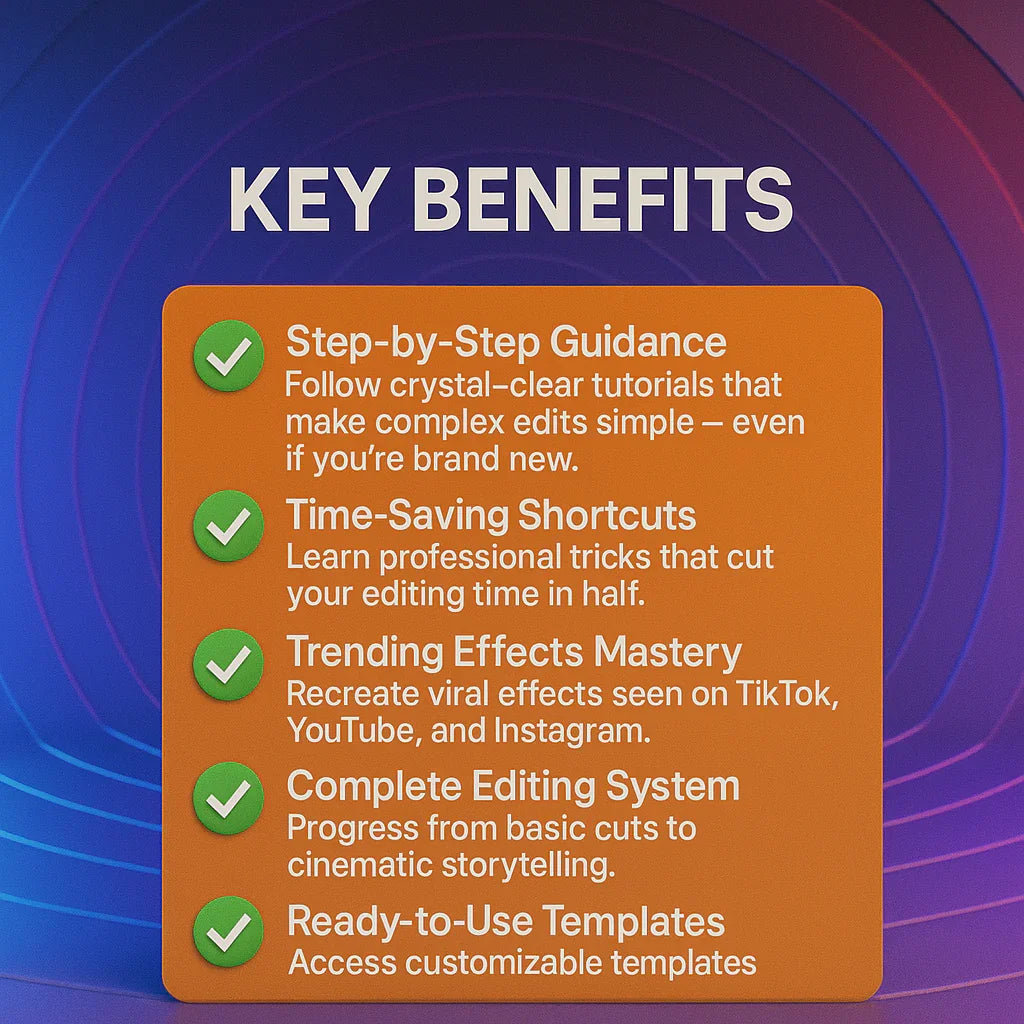
🌟 Key Benefits
✅ Step-by-Step Guidance: Follow crystal-clear tutorials that make complex edits simple — even if you’re brand new.
✅ Time-Saving Shortcuts: Learn professional tricks that cut your editing time in half.
✅ Trending Effects Mastery: Recreate viral effects seen on TikTok, YouTube, and Instagram.
✅ Complete Editing System: Progress from basic cuts to cinematic storytelling.
✅ Ready-to-Use Templates: Access customizable templates for instant results.
✅ Mobile & Desktop Skills: Learn CapCut across all devices — edit anywhere, anytime.
🎓 What You’ll Learn Inside
📘 Module 1: CapCut Basics — Interface, Tools & Timeline
🎨 Module 2: Text, Fonts & Subtitles for Engagement
🎞️ Module 3: Smooth Transitions & Motion Techniques
🎧 Module 4: Audio Editing, Voiceovers & Podcast Mixing
📱 Module 5: TikTok, YouTube & Instagram Optimization
⚡ Module 6: Advanced Editing Tricks (Keyframes, Overlays & Effects)
🧩 Module 7: Color Grading & Cinematic Styles
🎬 Module 8: Exporting, Formatting & Client Delivery
🧠 Everything explained step-by-step — no experience required.
💡 Why You’ll Love It
✅ Professional Quality on a Budget: Use a free tool to create studio-level results.
✅ Learn at Your Own Pace: Access anytime, anywhere.
✅ Instant Results: Apply techniques immediately — no waiting.
✅ Perfect for All Platforms: TikTok, Instagram, YouTube, Facebook & more.
✅ Lifetime Access: Revisit tutorials anytime for future projects.
💬 Story Hook
You sit staring at your video — you have the ideas, but not the skills.
Then one day, you open CapCut with confidence… and within hours, you’re creating polished, professional videos that make people stop scrolling.
That’s the moment you’ll know — you’ve mastered the art of editing.
📦 What You’ll Receive
-
🎥 Complete Mastering CapCut Tutorial Library (Video + Audio Editions)
-
🎧 Podcast Edition for On-the-Go Learning
-
🎞️ Downloadable Practice Files & Templates
-
📘 Quick Reference Cheat Sheets & Editing Checklists
⚙️ Tech Specs
-
Format: Digital Video Course + Audio Edition
-
Modules: 8 Comprehensive Lessons
-
Access: Instant Download
-
License: Personal Use
🎬 Start Editing Like a Pro — Without the Overwhelm
The Mastering CapCut Tutorials™ give you the exact roadmap to creating professional-quality content faster than you thought possible.
🎯 Learn. Create. Impress.
Your transformation from beginner to confident creator starts today.
Share